


You probably have a long wish list of things you’d like to digitize in 2026. Paper files, microfilm, microfiche, aperture cards – it all feels important. But budgets, timelines, and staffing usually mean you can’t do everything at once. The question isn’t “Should we scan?” so much as “Where do we start?” This article gives you a simple way to prioritize, so you scan the right things first and build momentum instead of overwhelm.
Priority #1 — High-Risk Records (What You Can’t Afford to Lose)
Start with the records that would put you in real trouble if something happened to them. Think student transcripts, personnel files, court records, land records, or other permanent records you’re required to keep. Add anything that has clear legal or regulatory retention rules attached to it, along with fragile microfilm that’s starting to show signs of vinegar syndrome or boxes sitting in damp basements and hot storage rooms. If you’re questioning how stable your microfilm really is, this breakdown explains why “long lifespan” claims often fall apart in real-world storage conditions.

These are the collections where one flood, fire, mold issue, or misfile can cause damage you can’t undo. Digitizing them first is less about convenience and more about protecting your institution’s memory and staying compliant. Once they’re in a secure digital system with backups, you’re not relying on a single room, box, or reel to hold years of history.
Priority #2 — High-Access Records (The Ones Everyone Keeps Asking For)
Next, look at the records that create daily headaches because everyone needs them all the time. These might be case files that are constantly pulled from storage, HR or payroll documents your staff touches every week, building permits and blueprints that multiple departments rely on, or microfilm reels that live on the reader because they’re used so often.

Every time someone walks to the file room, waits for an off-site pull, or emails a coworker asking for a copy, you’re paying in time and interruptions. When you digitize these high-access records, search replaces rummaging and people can self-serve instead of waiting in line. Response times improve quickly, and the project “pays for itself” in less frustration and faster work.
Priority #3 — Records That Are Blocking Space or Costing You Money
After risk and access, follow the money and the floor plan. “Doing nothing” isn’t free when you’re paying off-site storage bills or dedicating prime space to boxes and cabinets. Maybe you have a room you’d love to turn into offices or a training area, but it’s packed wall-to-wall with banker’s boxes. Maybe you’re paying monthly for warehouse space or a microfilm vault and readers that hardly anyone uses anymore. Many organizations underestimate how much money and momentum they’re losing simply by holding onto paper. This is something we unpack in more detail in The Hidden Costs of Doing Nothing: What Avoiding Digitization Really Costs You.
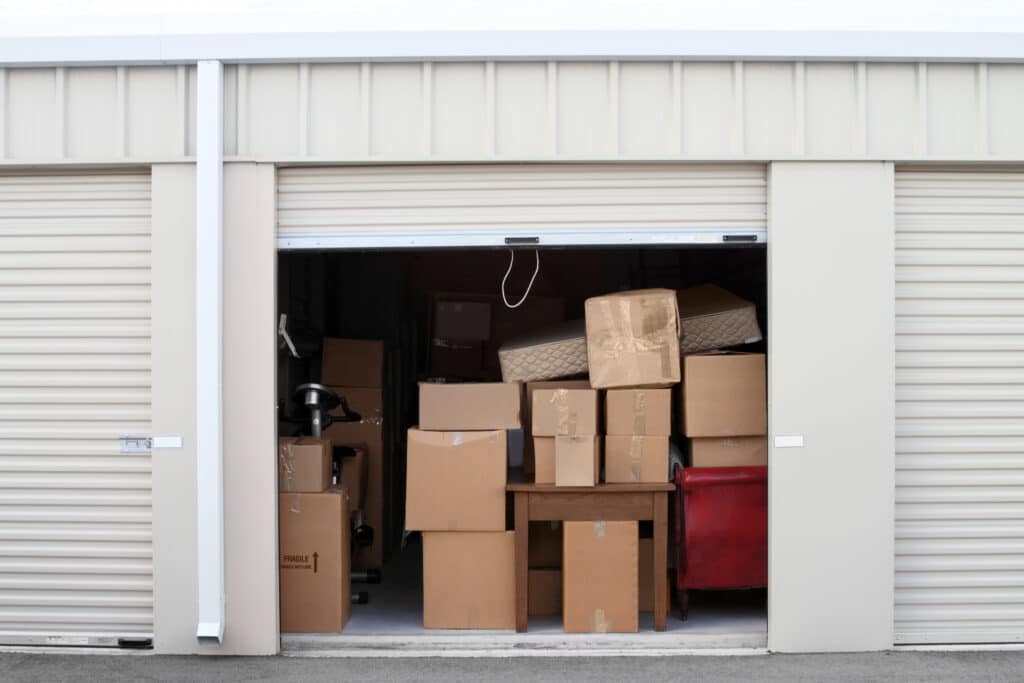
Digitizing these collections lets you shrink your physical footprint. File rooms can become workspaces. Cabinets can move out and people can move in. Off-site storage costs can go down or disappear over time. You’re not just creating digital files; you’re buying back square footage and giving departments room to grow and reorganize.
Priority #4 — Records Needed for Modern Systems and Data Migration
If your 2026 roadmap includes a new case management system, document management system (DMS), public portal, or line-of-business application, your older records need a plan too. Paper, microfilm, fiche, and aperture cards won’t magically “plug in” to new software. If they’re part of day-to-day work, they need to be digitized and organized so they can either be imported or accessed alongside your new system.
Focus on the collections that your new tools depend on. That might be case histories that need to be text-searchable, microfilm images that need optical character recognition (OCR) so staff can search by name or number, or legacy card and fiche formats that your current viewers barely support. When you digitize these ahead of the rollout, you avoid last-minute panic, messy workarounds, and double work for your team.
Priority #5 — “Quick Wins” That Build Momentum
Not every collection is a beast. Some are tidy, well-labeled, and small enough to move quickly. These “quick win” projects are perfect for early phases because they show results fast and build confidence. It might be a well-organized department file room, a small run of microfilm or fiche, or a group that’s excited to be the pilot.

Because the records are already in decent shape, scanning and indexing go smoothly, and users experience the benefits right away. Those early success stories are powerful when you’re asking for more budget or trying to bring other departments on board. It’s much easier to expand when you can point to a real team that says, “This made our lives easier.”
How to Turn This Into a 2026 Action Plan
Start by listing your major record types—paper, microfilm, microfiche, aperture cards—and grouping them into logical collections. For each one, ask four simple questions: How risky is it to lose these records? How often do people need them? How much space or money are they tying up? Are they important to any new systems we plan to roll out in 2026?

Once you’ve answered those questions, rank your collections using those lenses: risk, access, cost and space, and future system needs. Pick one high-priority group that also feels manageable as your first project. From there, run a small pilot—at BMI we call this Milestone 1 (M1)—to confirm scan quality, indexing, and delivery. Use what you learn in that pilot to build a phased schedule for 2026, starting with the highest-risk, highest-value records and moving toward broader backfile and day-forward capture.
If you’re planning around a June 30 fiscal year, it also helps to think about timing early—this guide on Scanning Your Microfilm in 2026: Planning for the Next Fiscal Cycle explains why waiting until spring often creates rushed decisions and missed funding opportunities.
In Closing: Start Smart, Not Big
You don’t have to digitize everything at once to make real progress. By starting with your riskiest, most-used, most expensive, and most future-critical records, you get protection and productivity where it counts. The right priorities make the project feel doable instead of overwhelming, and each phase builds support for the next.
If you’d like help sorting through your backlog, we can review your collections, talk through your goals, and put together a budget-ready quote and pilot plan. Start 2026 with a clear, realistic path—not just a wish list.
Next Steps
Reach out to us today! Click the “Get Your Quote” button below, fill out the form, and we’ll quickly reply to you to discuss your project.
Further Reading
4 Mistakes That Cause A Scanning Project to Fail (And How to Avoid Them)
Scanning rarely fails on hardware—it fails on planning. Here are four common mistakes and a simple, low-risk way to avoid them.
The Hidden Costs of Doing Nothing: What Avoiding Digitization Really Costs You
Not scanning doesn’t mean not spending. Paper and analog backlogs bleed time, space, and money—while raising security and disaster risk. This post exposes the quiet drain and shows how a small, focused digitization pilot flips the script.
Paper to Productive: The 4 KPIs That Prove Your Scanning Project Worked
Digitization only pays off if you can prove it. These four plain-English KPIs—speed, adoption, cost/space, and risk—turn your scanning project into results leadership will recognize.