


Most organizations treat backfile scanning like spring cleaning — empty the filing cabinets, shut down a warehouse, check the box. That’s a missed opportunity. When backfile conversion is part of a bigger information strategy, it becomes one of the most practical ways to reduce risk, speed up daily work, and turn old records into something your team can actually use.

In government, healthcare, education, and insurance, the shift is real — decisions that used to take days of digging through boxes now need to happen in minutes. When your legacy paper and microfilm collections are digitized, indexed, and plugged into your systems, they stop being dead weight and start doing actual work. We see this every day at BMI. Organizations come to us with warehouses full of boxes and leave with a searchable digital archive they can access from their desks.
How to Know It’s Time To Scan Your Files
There are some clear signs that your hardcopy files are holding you back instead of helping you. If any of these sound familiar, it’s probably time to have a conversation:
- Storage rooms or offsite facilities overflowing with boxes, film, and binders
- Staff spending too much time walking to records rooms or waiting on offsite pulls
- One or two people in the office who are the only ones who know where anything is — and everyone panics when they’re out sick
- A pit in your stomach every time there’s an audit, records request, or legal discovery deadline
Then there’s the legacy media problem. Specialty materials like microfilm, microfiche, and aperture cards require unique hardware and a shrinking pool of people who know how to use it. When your reader-printer dies or that one specialized workstation finally crashes, critical information is effectively locked in a vault with no key.
Add rising storage fees, tighter regulations like HIPAA, CJIS, and FERPA, and real security concerns — and what used to feel like a “nice to have” becomes a have-to-have. It’s business-critical when:
- You need reliable, logged access to sensitive records
- You must prove compliance with retention and privacy requirements
- You can’t afford delays during investigations, audits, or inspections
At that point, leaving records in paper or on film isn’t just inconvenient — it’s a real risk.
What a Real Scanning Project Looks Like
Backfile scanning is more than running paper through a scanner. Done right, it’s a structured process that turns your boxes and reels into a reliable, searchable archive.
A solid project typically covers:
- Secure intake, tracking, and chain of custody
- Prep work — removing staples, repairing tears, organizing documents
- High-quality scanning tailored to the media type
- Indexing based on your key search fields
- Quality control checks and exception handling
- Secure digital delivery or hosting
👉 QC is where good projects separate themselves from bad ones. We cover this in depth in Quality Assurance & Digital Conversion.
Indexing is where the real value shows up. Think of it like this — scanning without good indexing is like dumping all your paper files into one giant folder on your desktop. Not helpful. But when records are indexed by names, dates, case numbers, policy numbers, or parcel IDs, your staff can find what they need in seconds instead of hours. That’s the difference between a pile of images and actual working information.
The real power kicks in when those digitized files connect to the systems you’re already using — your document management platform, case management system, or citizen portal. One search, one source of truth. Whether you’re pulling up a land parcel, a medical chart, or a claims file, the experience is the same: fast, secure, and predictable.
Setting Up for Digital Scanning Success
Every industry has its own version of this problem, but the payoff is the same — records that are easy to find, easy to share, and easy to protect.
For government agencies, digitized backfiles can:
- Speed up responses to public records requests and reduce backlogs
- Shrink storage footprints and overhead for records rooms and warehouses
- Support continuity of operations when offices are disrupted
Think about departments like land records, courts, law enforcement, or building and planning — they live and breathe historical context. When that information is digital, staff can pull up a prior case or a historical permit without leaving their desk.
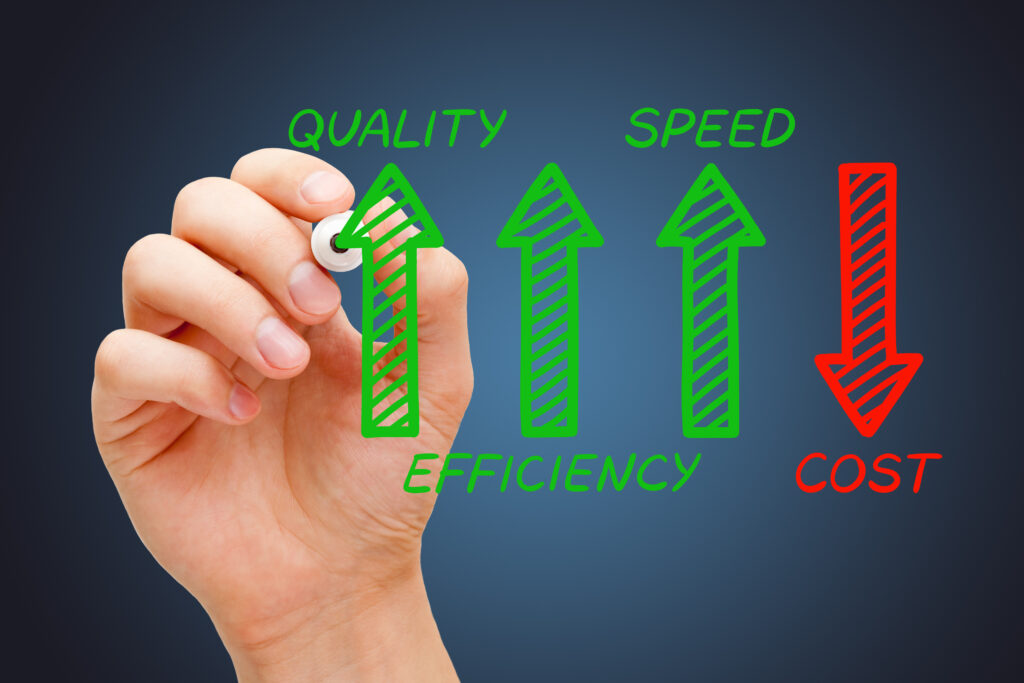
In healthcare and insurance, those old charts and policy records still drive decisions every day. Once they’re digitized and indexed, organizations can:
- Support care coordination with timely access to older records
- Move claims faster by pulling needed documents on demand
- Prepare for audits, litigation, and long-retention requirements with less stress
Bottom line: digital archives with proper access controls are a lot safer than paper files sitting in a cabinet or a warehouse across town.
Schools and public institutions deal with their own version of this. Digitizing student records, transcripts, HR files, and admin docs can:
- Shorten response times for transcript requests and employment verifications
- Protect sensitive student and staff information from loss or unauthorized access
- Preserve institutional history and intellectual property in formats that are easier to search and share
When those records are digital, responding to transcript requests or employment verifications goes from a multi-day process to a few clicks.
Where to Start When It’s Time To Scan Your Backlog
You don’t have to digitize everything at once. The first step is understanding what you have and what matters most.
A solid assessment covers:
- Inventorying your physical and legacy media — type, location, and volume
- Reviewing retention schedules — what has to stay, what can be defensibly destroyed
- Prioritizing by operational value, how often it’s accessed, and risk
👉 Not sure what to tackle first? Our guide What to Digitize First in 2026 provides a simple framework for prioritizing high-impact records.
From there, you’ve got options. Some organizations go all-in — full conversion to eliminate paper and film entirely. Others take a phased approach, starting with the highest-impact areas like active case files or the records that get requested most.
Scan-on-demand is another path, especially when budgets are tight. Records stay in storage but get scanned when they’re requested, combined with day-forward scanning for anything new coming in. Over time, the most-used parts of your archive naturally go digital.
This is where having the right partner matters. At BMI, we handle the workflow design, manage the conversion, and deliver or host your digital archives in a way that fits your existing systems and policies. The goal isn’t just to scan — it’s to build a records environment that keeps working for you long after the project wraps up.
In Closing: The Bigger Picture – Turning Today’s Hard Copies Into Tomorrow’s Data
Backfile scanning shouldn’t be treated as a one-time cleanup. When it’s part of your long-term records strategy, it lays the groundwork for faster, more resilient operations across the board.
Here’s a practical way to start: pick one area where digitizing historical records would make an immediate difference. Maybe it’s the department that dreads every public records request, the file set that drives constant audit prep, or the archive that’s locked behind equipment nobody knows how to fix.
Use that win as a model for future phases. Over time, those boxes and reels that felt like a burden become part of a digital infrastructure that actually supports your staff, your constituents, and your mission. At BMI, we help organizations make that shift in a way that’s secure, practical, and aligned with how they actually work.
Next Steps
Reach out to us today! Click the “Get Your Quote” button below, fill out the form, and we’ll quickly reply to you to discuss your project.
Further Reading
Mastering The Mega-Scan: How to Effectively Digitize 100,000 Microfilm Rolls For A Court System
Take a look at how we helped a court system digitize 100,000 microfilm rolls! We give you the background, discuss logistics, obstacles, and how we made it a success.
Microfiche Reader Replacement: From Jammed Viewers to Keyword Search
Still relying on aging microfiche readers? This article explains why replacing the workflow—not just the hardware—unlocks faster access through searchable digital records and keyword-based retrieval.
Paper to Productive: The 4 KPIs That Prove Your Scanning Project Worked
Digitization only pays off if you can prove it. These four plain-English KPIs—speed, adoption, cost/space, and risk—turn your scanning project into results leadership will recognize.