


Over 13,000.
That’s how many public PDFs we found on the websites of California’s 40 largest cities and counties. And that’s the low end.
If you’re responsible for ADA Title II compliance at your agency, here’s what that number means for you, why “it passed the checker” isn’t the finish line, and how to get your arms around it without blowing up your budget.
13,000 PDFs (the Floor)
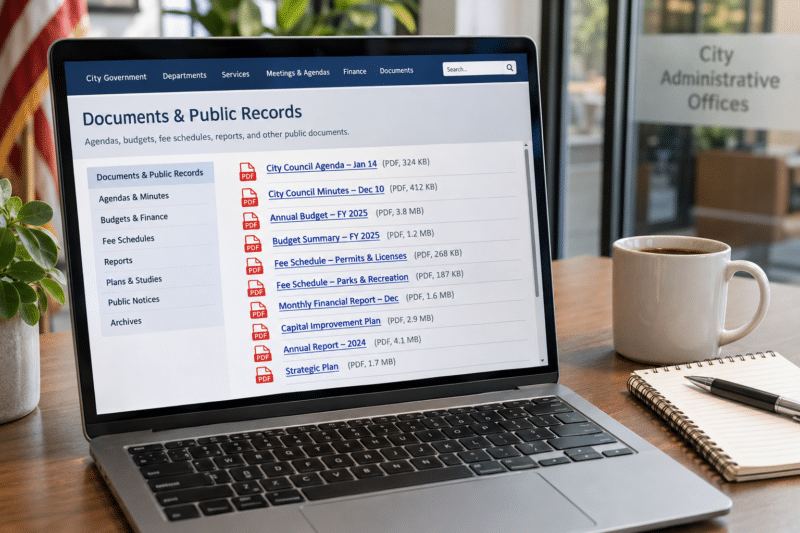
Last month, our team ran an automated review of the public websites for the 40 largest cities and counties in California by population. It was a mix of both: big cities, big counties, all public entities. We didn’t go looking for anything hidden behind a login. We just counted the PDFs anyone can click on and view or download.
The total came out to more than 13,000. That’s an average of over 300 per website. And because this was an automated sweep, it was blocked occasionally and missed plenty of files that are actually there, we just couldn’t get to. Files tucked inside document libraries, linked from third-party portals, or buried a few clicks deep don’t always show up.
Think of it like your junk drawer. Ask most people how much is in there and they’ll say “not much.” Then moving day comes, you dump it out on the counter, and you find three phone chargers, a key to a house you sold in 2014, and 40 rubber bands. Your website is the same way. Every department has been adding to it for years, and nobody’s ever dumped it out on the counter.
What’s Actually Hiding in All Those Files?
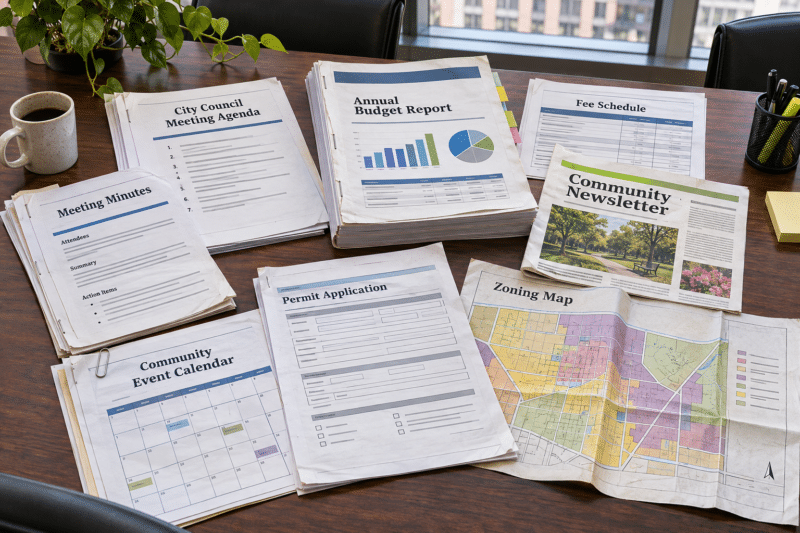
Short answer: everything. When you look at what’s on these sites, it’s a complete mishmash. Council agendas and minutes. Financial reports and budgets. Fee schedules. Newsletters. Event calendars and program schedules. Permit applications. Maps. Old scanned documents that someone uploaded years ago and never thought about again.
Here’s the simple rule to keep in your head: if it’s publicly available on your website, it needs to be accessible. The ADA Title II rule sets WCAG 2.1 Level AA as the standard for state and local government web content, and that includes the documents you post, not just the web site itself.
Yes, there are a few exceptions, and some people are counting on them. But they’re narrower than most folks assume. Older documents posted before the compliance date can be excluded, unless someone still uses them to apply for, access, or participate in your services. So that permit application from 2019 that’s still the current version? It’s covered.
The clock matters, too. Under the Department of Justice’s April 2026 extension, cities and counties with 50,000 or more residents have until April 26, 2027. Smaller entities and special districts have until April 26, 2028. Every agency in our review is on the 2027 timeline. That’s about six months from now.
“It Passed the Checker” Isn’t the Same as “It Works”
What actually makes a PDF inaccessible?
In plain terms, it’s a document that someone who’s blind or has low vision can’t use. A scanned agenda with no real text, just a picture of a page, reads as nothing to a screen reader. A budget table without proper structure turns into a jumble of random numbers read out loud in the wrong order. A form without labeled fields is a dead end.
Automated accessibility checkers are useful, but passing one doesn’t automatically mean the document is accessible. A checker can confirm that a tag exists. It can’t always tell you whether the reading order makes sense, or whether the alt text on a chart actually says anything meaningful. It needs to be usable to sight-impaired individuals.
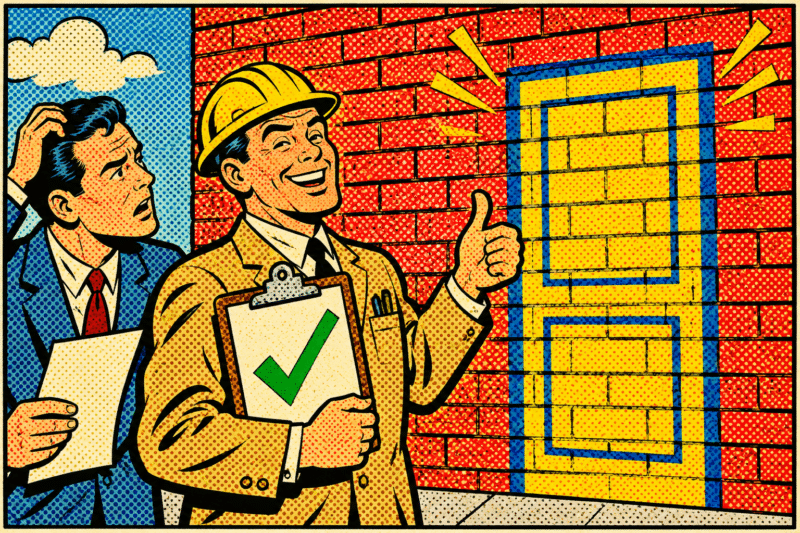
It’s like a home inspector who checks a box that says “door present” without trying the handle. Technically there’s a door. But if it doesn’t open, it’s not much of a door.
The goal is a document someone using a screen reader can actually use, the same way a sighted person would. It doesn’t have to be 100% perfect. But it can’t be worthless to the person who’s trying to find next Tuesday’s council agenda on your site. Use the score as your baseline and proof of effort, then make sure the documents that matter most are genuinely usable.
The Math Nobody Wants to Do
Fixing PDFs by hand is slow, careful work. Someone has to open each file, tag the headings, fix the reading order, write alt text for every image, structure the tables, and label the form fields. Realistically, that’s 15 to 30 minutes per page. Let’s call it 20.
Now run the numbers on a modest batch of 1,000 pages:
- Doing it in-house: 1,000 pages at 20 minutes each is about 333 hours. At $30 an hour, that’s roughly $10,000 — and more than eight weeks of one person’s full-time job, assuming they don’t do anything else.
- Sending it out: Manual remediation vendors commonly charge $10 to $15 per page. That’s $10,000 to $15,000 for the same 1,000 pages.
And remember, a PDF isn’t a page. A single council agenda packet can run dozens or even hundreds of pages. If your site has a few hundred PDFs, 1,000 pages could be the starting point, not the total.
Most agencies don’t have an extra person sitting around for two months. And most budgets weren’t built with a five-figure line item for document remediation. That’s the real problem here. It’s not that people don’t care. It’s that the job looks too big to start.
The above is the OLD WAY, and it’s not what you need. You need something fast, accurate, and cost-effective.
And yes, we have a solution for you … keep reading!

Start Small, Then Keep the Problem From Growing
The good news is you don’t have to fix all of it on day one. The smartest move is to triage. Start with the documents people actually use to get services — applications, forms, fee schedules, current agendas — and the pages that get the most traffic. Those carry the most risk, and they help the most people.
This is where an on-demand approach makes a lot of sense. With Accessibility on Demand, you buy credits and spend them per page. You don’t have to commit to the whole website at once. Run your priority files first, ideally before the deadline hits, and then take stock:
- Was your backlog bigger than you thought? Buy more credits.
- Was it smaller? Great, you might already be close to done.
- Either way, you now have a tool in place and a plan.
Then comes the part that keeps you from ending up right back here. Going forward, run new PDFs through the tool before they ever get posted to your website. It’s like wiping your feet before you walk in the house. Do that every time, and you’re not cleaning the carpet every spring. The backlog stops growing, and accessibility becomes part of the posting routine instead of a crisis.

Next Steps: Test It on Your Own PDFs
The best way to know whether this works for your agency is to try it on your own documents — not a demo file, your actual agendas, budgets, and forms. Grab a handful of the PDFs you’re most worried about and run them through.
To get started, head to our Accessibility on Demand page, click the free trial button, and fill out the short form. We’ll get you set up with up to 100 pages free. You’ll get your remediated files back with a compliance score report for each one, so you can see the results for yourself.
From there, you’ll have a much clearer picture of what you’re dealing with. How many PDFs are really on your site? Which ones matter most? What will it actually cost to get it done? Those are a lot easier questions to answer once you’ve seen it work on your own files. Pricing starts at 30 cents a page, so the conversation with your budget office gets a lot shorter, too.

Further Reading
How Many PDFs Are on Your Website? (And Why That Number Matters)
Most agencies have no idea how many PDFs are sitting on their website. Under the DOJ’s ADA Title II rule, that number is the size of your compliance problem.
The April 2027 ADA Title II Deadline: What Cities and Counties Actually Have To Do
The DOJ pushed the ADA Title II deadline to April 2027, but the work didn’t get any smaller. Here’s who it applies to, why PDFs are the hard part, and how to get ahead of it.
How Public Agencies Plan Digitization That Holds Up Under Audit
Digitizing records is only part of the process. This guide explains how public agencies plan digitization projects with the governance, documentation, and controls needed to stand up under audit.