

Somebody in your office just spent 20 minutes hunting down one file. That’s not a filing problem, it’s a money problem, and it happens again next week and the week after that.
So how do you decide if digitizing your records is worth it? Here’s how I’d think through it.
First, What “Digitizing” Actually Means
Strip away the jargon and this is simple. You’re taking something analog and turning it into something digital.
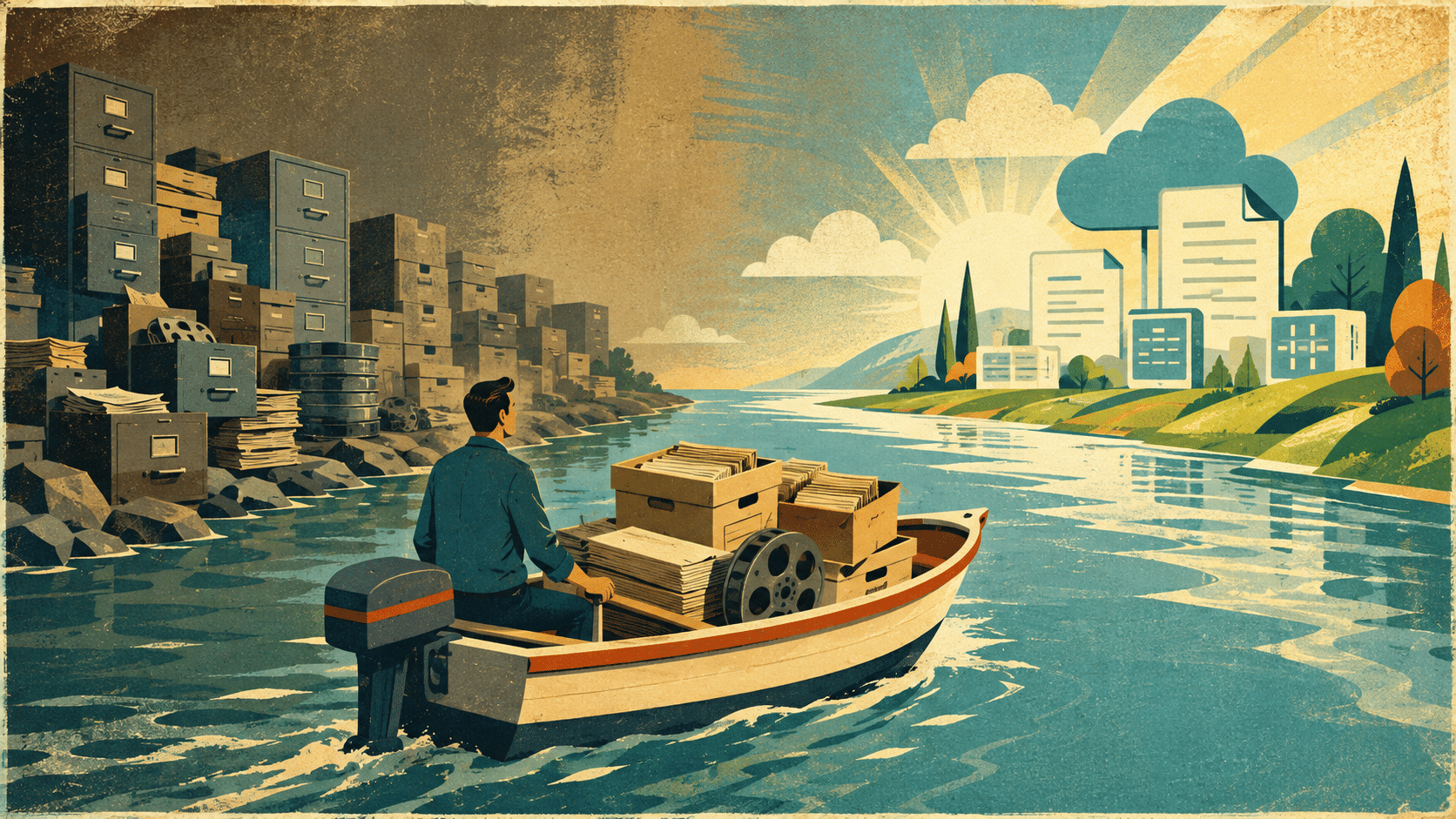
Think of it as crossing a river: hard copies are on one bank, electronic files you can search and send are on the other. That’s the whole idea.
Everything else in this article hangs off that one move. The savings, the speed, the backups, the space you get back — none of it exists until the records make it across. Keep that picture in your head as you read the rest, because every benefit below traces straight back to it. And if someone’s making digitizing sound more complicated than that, ask them why.
You’ll Spend Money Up Front. You’ll Save More Later.
Let’s get the obvious out of the way: scanning costs money on day one.
That’s the part everybody sees. What nobody puts on a budget line is what the hard copies cost you every day they sit there.
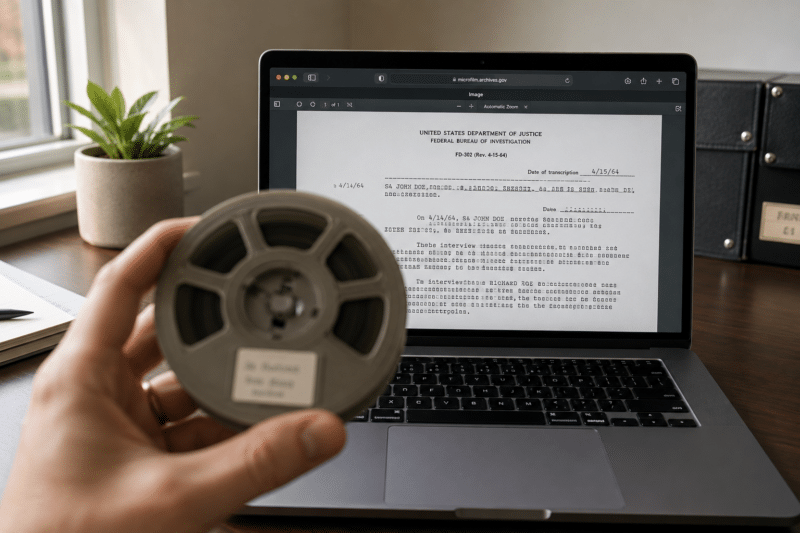
Think about the real labor behind one physical record: someone walks to the cabinet, finds the folder, pulls it, copies or scans it, emails it, then refiles it … and hopes it goes back in the right spot. Fifteen minutes here, an hour a week there, over and over, forever. It’s the difference between buying a tool once and renting one every month.
The purchase stings a single time; the rental never stops. Once the records are digital that whole loop collapses, and the hours your staff was spending on filing get spent on work that actually matters.
Turning a 20-Minute Search Into a 2-Minute One
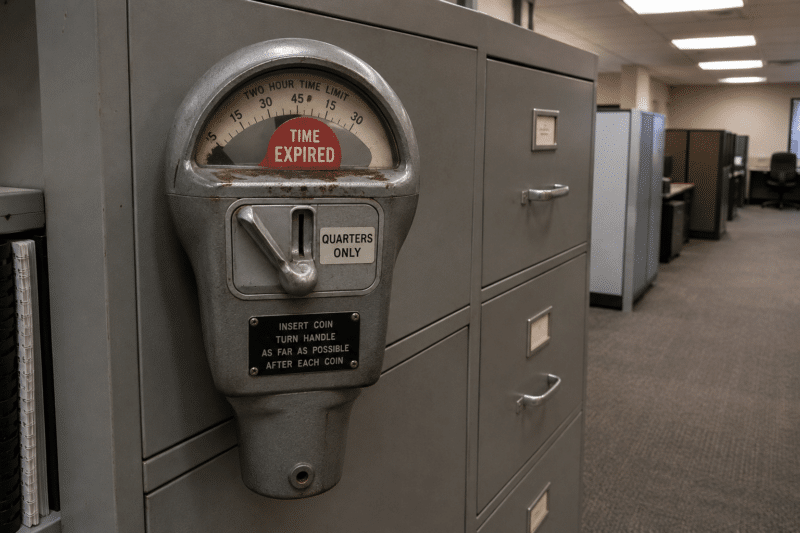
Say you work in a registrar’s office at a college. Someone calls and needs their student record. Now the clock starts: walk to the cabinet, find the folder, scan it, email it, refile it. Or worse, it’s on microfilm — so you pull the roll, load it, scroll, scroll, scroll, find it, export it, get it off the drive, and finally get it out the door. Twenty or thirty minutes gone on one request.
Now run the same call with digitized records. You take the call, open your document management system, find the person’s file, and send it. Twenty minutes becomes two. Multiply that by every request your office fields in a month and you’re not saving a little time, you’re getting a chunk of somebody’s job back.
Two Is One, and One Is None
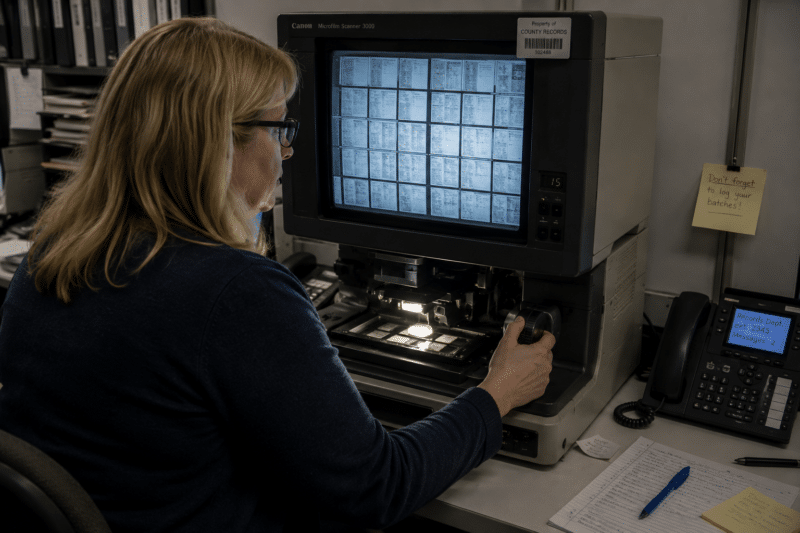
There’s a saying in the Marine Corps: two is one and one is none.
If you’ve only got one copy of something, you effectively have none, because the day something happens to it you’re out of luck. That’s the position most organizations are in with their back files right now.
Hard copy backups aren’t a real answer. Nobody’s duplicating a thousand rolls of microfilm for fun, and nobody’s photocopying 500 boxes of files just to have a spare set in another building.
Digital copies are free to make and easy to move. If your records live in a hosted platform like our Digital ReeL Secure application, they’re already dual hosted in geographically separated locations — two copies the day you go live, plus whatever cropped image files we deliver as PDFs, TIFFs, or JPEGs. And if you’re not on a hosted system at all, you can still put copies in three different offices and stop betting your entire history on one storage room surviving a fire.
One Source of Truth Beats Running Two Systems
Finding a file is annoying. Sharing one is worse.
With a single physical record, collaboration means making photocopies and passing them around, and now four people are marking up four different versions of the same document.
Picture a police department working a cold case off one roll of microfilm and only one person can look at it at a time. That’s not a records problem, that’s a whole team working at a quarter speed.
Here’s the part most organizations miss. You already have a digital system for everything created in the last however-many years, which means you’re running two records systems at once: the digital one and the analog one.
Digitizing your back files doesn’t just make old records easier to use, it folds them into the system you already have. One place to look, one version everyone’s working from, and a smaller go-forward scanning routine to keep it that way.

What Could You Do With That Room Back?
Those 500 boxes and those thousands of rolls have to live somewhere, and wherever that is, you’re paying for it. If they’re offsite with a storage company, you’re paying monthly rent forever, plus a fee every time you need something pulled, plus more if you ask them to scan a file here and there. Those onesie-twosie retrieval charges add up faster than people expect.
If the records are in your building, the cost is just hidden better. We see it constantly: a storage room stacked to the ceiling, or an actual office with a window being used as a box farm. You’re paying for that square footage either way, so the question is what it’s doing for you. Digitize the records and the cabinets go away, the room comes back, and you can put a person or a project in there instead of paper.

Next Steps
Reach out to us today! Click the “Get Your Quote” button below, fill out the form, and we’ll quickly reply to you to discuss your project.
Further Reading
What Happens to Your Records During a Scanning Project?
Scanning rarely fails on hardware—it fails on planning. Here are four common mistakes and a simple, low-risk way to avoid them.
New Fiscal Year, New Scanning Budget: Scope Your Digitization Project Now, Not in February
You got the money in July, and the fiscal year still feels wide open in August. It isn’t — here’s the real timeline behind a digitization project, and why scoping it now beats scrambling in June.
Ditch the Microfiche Reader: A Faster Way to Find Your Records
Pulling one record off microfiche can eat 20 to 30 minutes and a walk to the cabinet. Here’s why digitizing your fiche beats buying another reader-printer — and what it actually costs to make the switch.