

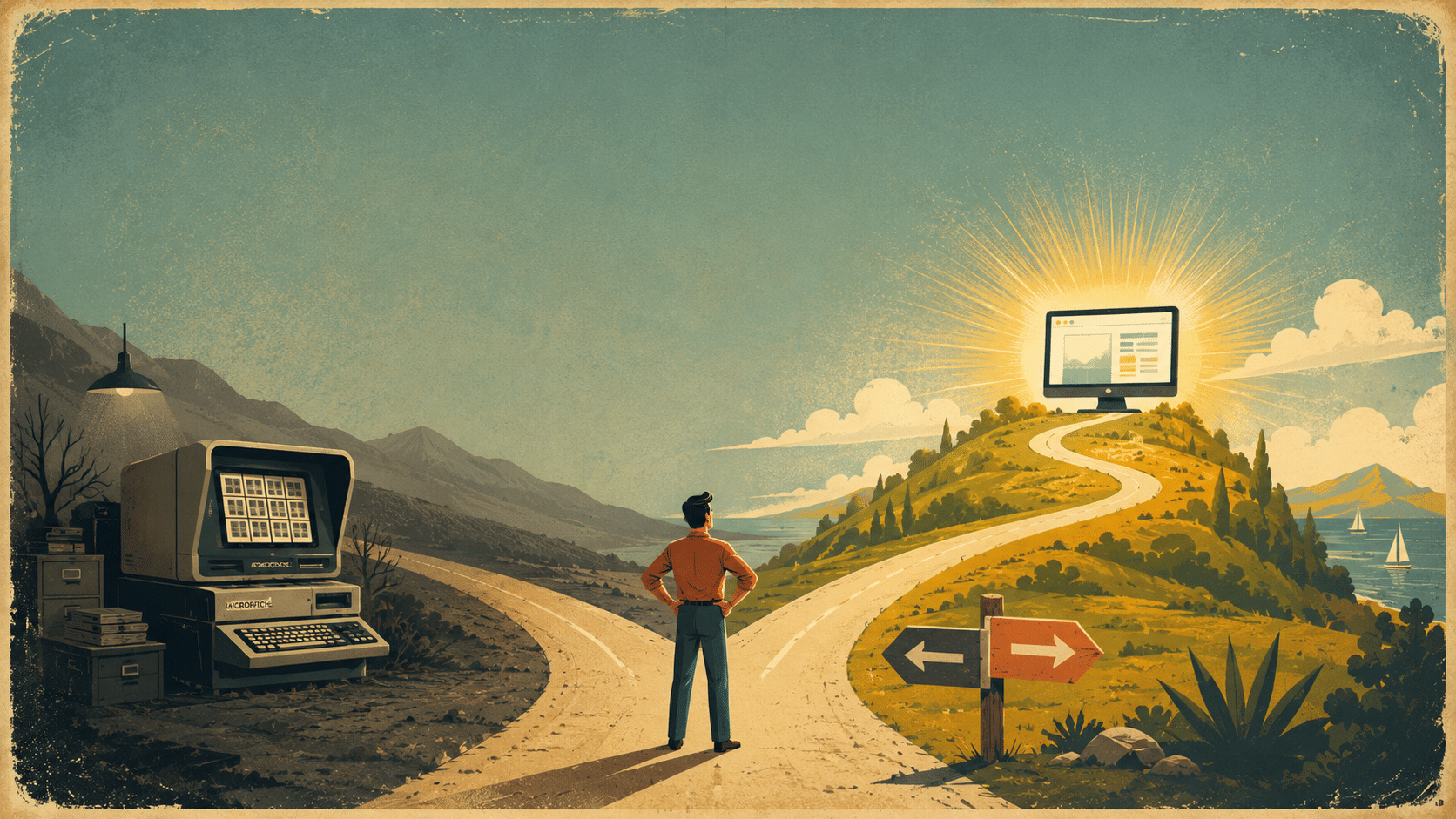
It’s 2026, and somewhere right now a registrar is walking across an office to a cabinet, digging through 50,000 fiche jackets, to answer one phone call. There’s a better way — and it’s NOT a shinier version of the machine you already have.
Let’s walk through what pulling records off microfiche actually costs you in time, money, and headaches, and what going digital looks like instead.
A Day in the Life of a Microfiche Reader
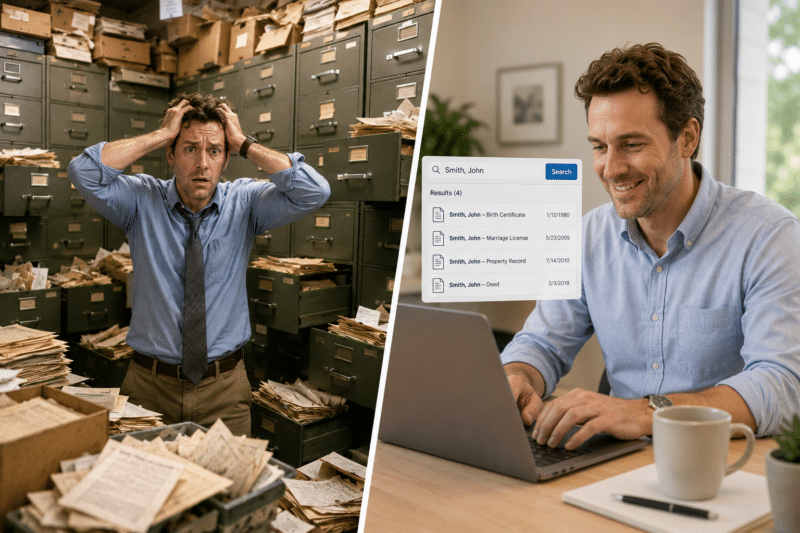
Say you’re the registrar at a medium-sized school. John Smith calls — he graduated 30 years ago and needs his transcript. You get up from your desk, walk to the cabinet, and start hunting through the “S” section. There are five John Smiths still on fiche, so now you’re calling him back to ask for his date of birth, then digging again, then walking the jacket over to the reader-printer to scan it image by image — tap, tap, tap — fifteen pages’ worth — tap, tap, tap. Then you walk the fiche back to the cabinet, and finally email him the PDF.
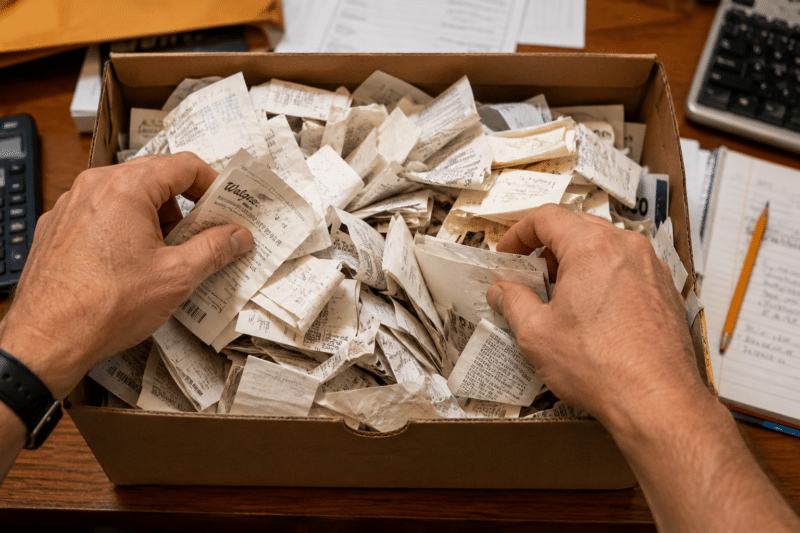
That whole thing takes 20 to 30 minutes … if you’re lucky. It’s basically hunting for one specific receipt in a shoebox stuffed with thousands of them.
Now imagine you get a couple of those calls a day. That’s real hours, every week, spent walking to a cabinet and babysitting a machine.
No, a Newer Reader-Printer Won’t Save You
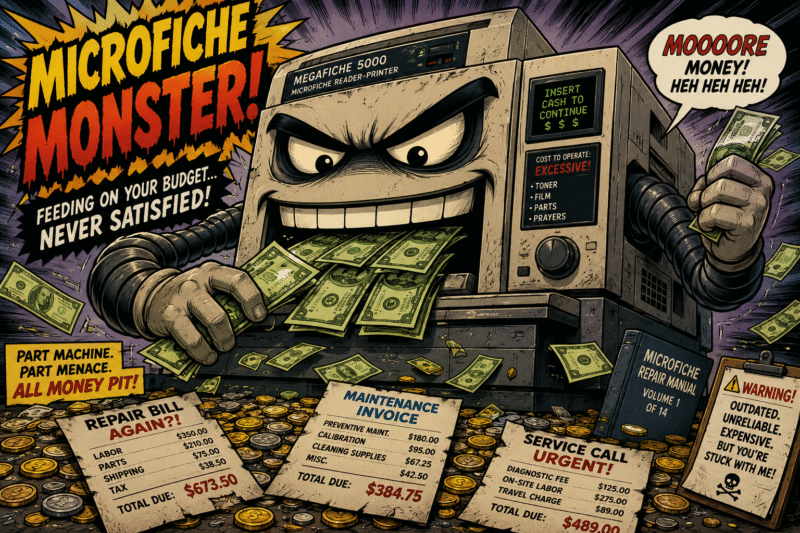
The obvious reaction is “I’ll just replace the machine.” Maybe you’ve got an old unit that only prints pages, and the new ones scan straight to a thumb drive or your network. Those exist, and yes, they’re a little quicker. But you’re still using physical records in a physical machine, and a new reader-printer runs you at least $8,000.
Here’s the part that gets skipped: after you spend that money, you’re still doing all the work.
You still have to know where the fiche lives, pull it, load it, scan it, and put it back. On top of that, there’s maintenance. These machines break. When yours does, someone has to come fix it, or you ship it back to a factory and wait — and if it’s gone for three weeks while requests keep coming in, what’s your plan?
You’d be paying thousands for a piece of metal that leaves you doing the same manual labor you’re doing today.
The Knowledge Is Walking Out the Door
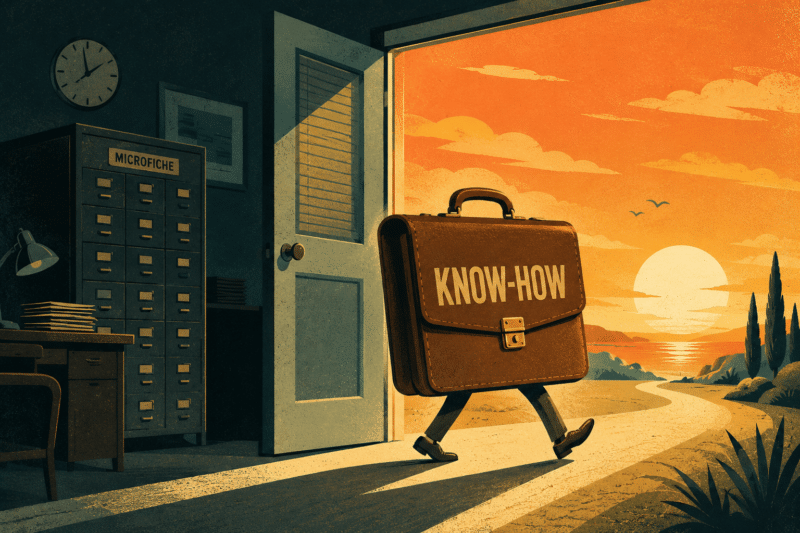
There’s a cost to microfiche that never shows up on an invoice: the people who actually know how to use it. Reading fiche, knowing how they’re organized, understanding what’s on each sheet, and tying that to the quirks of the machine — that’s real institutional knowledge, and it lives in the heads of folks who’ve been around a while.
As they retire or move to another department, that knowledge drifts away with them. It’s the same reason nobody’s quite sure how the old copier down the hall works once the one person who knew it leaves.
Meanwhile, the people coming up behind them are born-digital. They look at a giant piece of machinery and a floppy sheet of tiny images and think, “Why isn’t this just digital?” That’s a fair question in 2026.
Microfiche had its heyday in the ’80s and ’90s, and there’s no shame in having made a ton of it back then — but the folks who’ll be pulling these records going forward expect to find them on a screen, not in a cabinet.
Same Request, Digital: A Couple of Minutes
Now run John Smith’s call again, except your fiche is digitized. The phone rings, and instead of getting up, you stay right there and start typing.
“Give me a second, John.” A few clicks.
You’ve got a couple of John Smiths, so you ask for his date of birth, then his student ID, and narrow it right down on screen. You grab his email, export the file, encrypt it, and send it.
Done — in a couple of minutes, while he’s still on the phone.
That’s the difference between searching your email and digging through a filing cabinet. Whether the records live on our Digital ReeL platform, an existing document management system, or just a secure shared network, you’re not walking anywhere or fighting a machine. And the wins stack up beyond speed:
- No maintenance contracts, no shipping a broken machine back to a factory
- No knowledge-transfer problem, because everyone already knows how to open a digital file
- Hours handed back to your team for the work they’re actually supposed to be doing
Yes, digitizing costs money up front. But if you’re fielding even a handful of these requests a week, the time you stop burning adds up fast.
What It Actually Costs to Scan Your Fiche
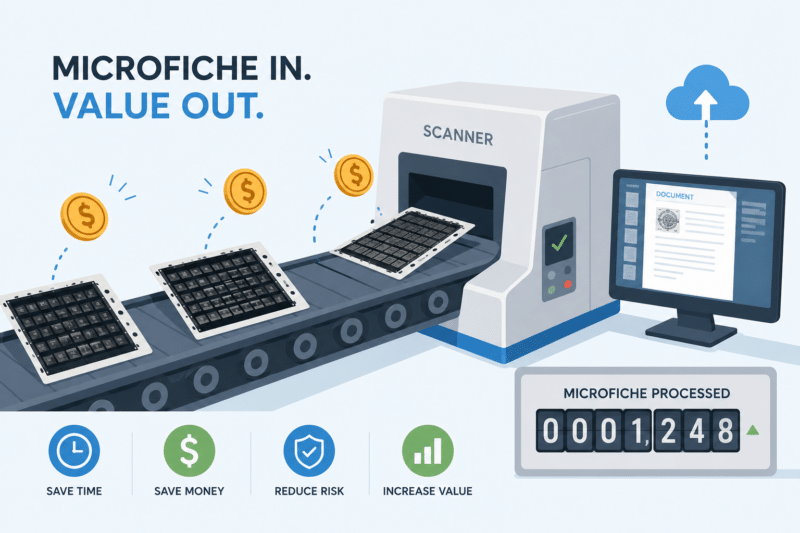
Pricing depends a lot on what kind of fiche you have. The two you’ll most likely run into are jacket fiche and COM fiche, and they’re very different animals:
- Jacket fiche — the roughly 6-by-4-inch sheets with strips of cut microfilm tucked into them. One student’s records might be 15, 20, or 30 images, and a full sheet holds up to about 60. These run around $1/sheet to scan.
- COM fiche — computer-output microfiche, the darker sheets that typically pack 208 to 270 images each and often have a handy index image in the bottom-right corner. Because they carry roughly four times the images, they run closer to $2.50/sheet.
Those are rough numbers, and volume moves them — 5,000 fiche might price a little higher per sheet, while 300,000 comes down.
Indexing matters too. Keying just the title strip is one thing; pulling out every individual record when a sheet holds multiple students is another.
To give you a sense of scale, we recently ran a project of about 68,000 COM fiche where we keyed the records straight from the images — roughly 7.5 million records in all. And if a lump sum is the sticking point, larger projects can often be broken up and paid over time, so cost doesn’t have to be the reason you stay stuck on a reader-printer.
Your Output Options: Plain Files or a Hosted Platform
Once your fiche is scanned, where does it land? The traditional route is what most people picture: you get files — PDFs, TIFFs, or JPEGs — that you drop into whatever system you already use. Simple, familiar, and a good fit if you’ve got a document management system waiting for them.
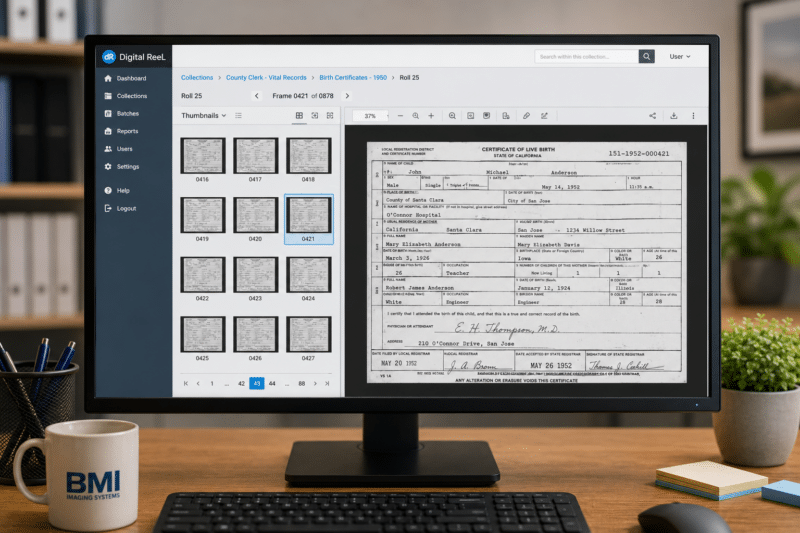
The other option is our Digital ReeL platform, a secure hosted home for your records. It’s great if you don’t have a system of your own and just want a straightforward, archival place to view and retrieve everything without a lot of bells and whistles.
What makes it nice for fiche specifically is that it replicates the original layout in digital form — so you can see what the sheet looked like before scanning and still pull the individual images.
You get the original context and the convenience in one place. Either way, the goal is the same: your records on a screen, findable in seconds, instead of in a cabinet across the room.
Next Steps
Reach out to us today! Click the “Get Your Quote” button below, fill out the form, and we’ll quickly reply to you to discuss your project.
Further Reading
What Happens to Your Records During a Scanning Project?
What happens to your records during a scanning project? This guide walks through how records are tracked, secured, and protected from pickup through final delivery.
Beyond Scanning: Why Accessible PDFs Are the Next Step in Digital Transformation
Scanning gets records online. Accessible PDFs make them usable by everyone. This article explains why true digital transformation doesn’t stop at digitization—and how accessible PDFs improve compliance, usability, and long-term value across your organization.
How to Scope a Digitization Project Accurately (and Avoid Change Orders)
Most surprise invoices on scanning projects trace back to scoping mistakes made before the first page was scanned. Here’s how to count, question, and structure pricing so change orders stay rare.