


Pushing a deadline back a year doesn’t make the work any smaller. It just gives you a year to decide whether you’ll do it on purpose or in a panic.
If you work for a city, county, state agency, school district, or public university, here’s what the ADA Title II rule actually asks of you, where PDFs fit in, and how to get ahead of it without turning it into a massive project.
The Deadline Moved. The Work Didn’t.
In 2024, the Department of Justice finalized a rule that says state and local government websites, mobile apps, and the documents posted on them have to meet a technical standard called WCAG 2.1 Level AA. The original deadline for larger governments was April 2026. Four days before it hit, the DOJ issued an interim rule pushing everything back one year:
- April 26, 2027 for state and local governments with a population of 50,000 or more
- April 26, 2028 for governments under 50,000 and for special districts
Here’s the part that matters: only the dates changed. The standard didn’t change, and neither did what’s covered. And the new dates aren’t exactly set in stone. In May 2026, the National Federation of the Blind sued the DOJ over the extension, arguing it was pushed through without proper public notice and comment. At the time of writing, that case is still working its way through court. Depending on how it lands, the timeline could tighten back up, or it could slide again. Either way, the requirement is coming, and the safest plan is to be ready no matter which date ends up on the calendar.

Does This Actually Apply to You?
If you’re a public entity, almost certainly yes. That includes cities, counties, townships, state agencies, courts, libraries, school districts, and public colleges and universities.
Your deadline is based on the Census population of the government you’re part of, not the size of your department or how many people you serve. A 10-person parks department in a town of 80,000 is on the 2027 clock. So is every branch of a county library if the county tops 50,000. Public universities are measured by their state’s population, which puts nearly all of them on the 2027 date.
One more thing that catches people off guard: handing the work to a vendor doesn’t hand off the responsibility. If a contractor posts content for you, or you link residents to a third-party portal to pay a bill or pull a permit, that content still has to meet the standard.
The DOJ is clear that a public entity can’t contract its way out of the ADA. So even if accessibility isn’t technically your job, it’s worth knowing who in your organization owns it.

Why PDFs Are Where Most of the Pain Lives
WCAG 2.1 AA sounds intimidating, but for documents it comes down to a simple idea: someone using a screen reader or other assistive technology should be able to get the same information as someone reading the page with their eyes.
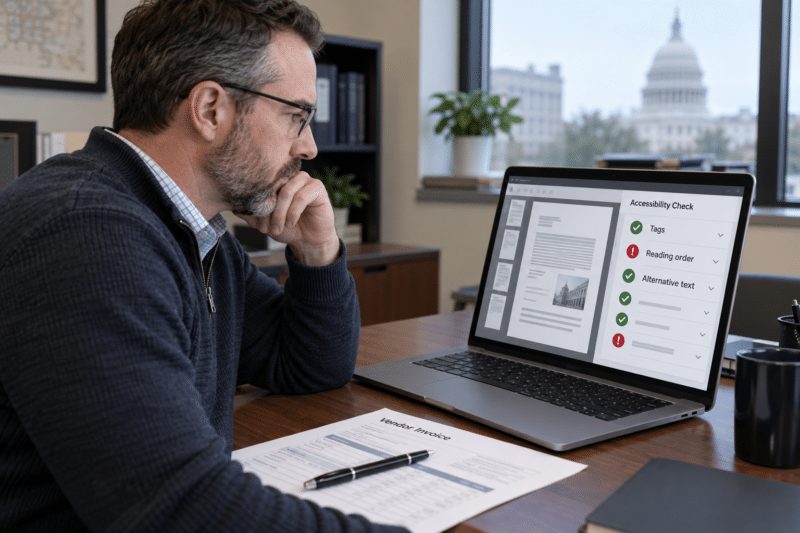
For a PDF, that means real text (not just an image of text), tags that tell software what’s a heading, a paragraph, a list, or a table, a logical reading order, and descriptions for images and charts. Here’s the problem for most records offices.
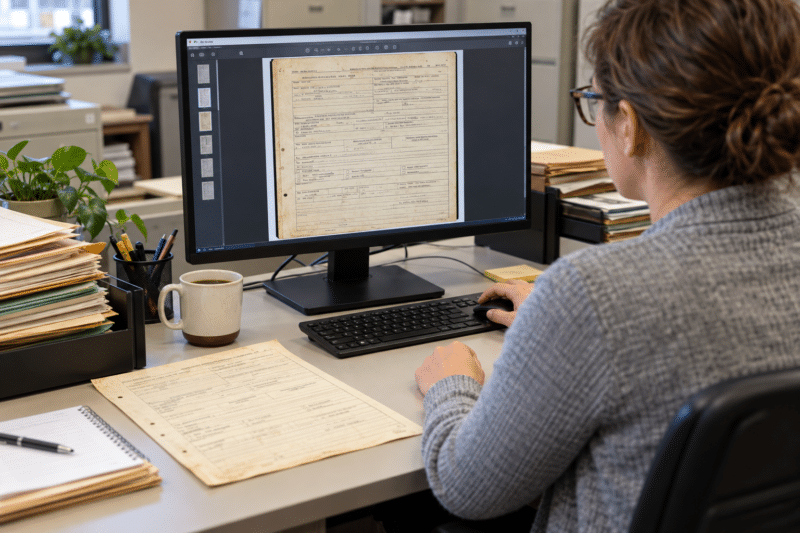
A scanned document is basically a photograph of a page. To you, it looks like a permit application. To a screen reader, it’s a blank rectangle.
There are exceptions, but they’re narrower than most people think:
- Older documents posted before your deadline can be exempt, but only if nobody currently uses them to apply for, access, or participate in a service. Old meeting minutes might qualify. A permit application or a current fee schedule won’t.
- Archived content can be exempt if it’s kept only for reference, never updated, and lives in a clearly labeled archive section of your site.
- Anything new posted after your deadline gets no pass at all.
So the scanned records from the 1970s might be fine where they sit. But the forms, notices, and agendas you post every single week are exactly what the rule is aimed at.
“Someone’s Already Handling That.” Are You Sure?
When we talk to departments about PDF accessibility, one of the most common answers we hear is some version of “we’ve got someone doing that.”
Sometimes it’s a web vendor. Sometimes it’s a scanning company or an IT contractor who added it on because they were already in the building.
That might be completely fine, but it’s a bit like hiring someone to insulate your attic. They tell you it’s done, and you probably never climb up there to check what they actually put in. When the inspector shows up, though, it’s your house, and you’re on the hook.
If someone is already handling your PDFs, here are a few questions worth asking:
- What’s it costing you? Per page, per document, or buried in a bigger contract where you can’t see it?
- What’s actually being done to the files? OCR only? Full tagging, reading order, and alt text? Tables and forms?
- How do you know it passes? Is each file checked by an independent tool, and do you get a report you could show someone?
- How fast can you get a new document done? If the agenda has to post tomorrow, can it be accessible by tomorrow?
- How much control do you have? Can you review or fix a file yourself, or does every change go back into someone else’s queue?
If the answers come back clear, great. If they come back fuzzy, that’s worth knowing now rather than in April.
It’s Not a Project. It’s a Habit.
The biggest misconception we run into is that PDF accessibility has to be one giant project: gather every document you’ve ever posted, ship them all off to a vendor, and wait.
It doesn’t.
Think of it more like a dishwasher than a spring-cleaning crew. You don’t hire someone to wash every dish you own once a year. You run a load when you need to.
Start with triage: the forms people use to apply for things, the notices that affect them, and anything you post on a regular schedule. Then, as new documents come up, make accessibility part of posting them.
That’s exactly why we offer Accessibility on Demand. It’s a self-service tool your team can run on its own. Upload a single PDF or a batch, scanned or digital, pick a service level, and download tagged, accessible files, usually in minutes. Every file gets a compliance score from PAC, an independent accessibility checker, so you’re not taking anyone’s word for it. And you can review and adjust the tagging yourself.
For context, traditional manual remediation often runs anywhere from $8 to $50 or more per page. Automated pages start at $0.30, with an Enhanced level at $1.80 per page that’s verified at 95% or better. If you’d like to see it on your own documents, reach out and tell us what you’re working with, and we can set you up with 100 free pages to try it.

Next Steps
Reach out to us today! Click the “Get Your Quote” button below, fill out the form, and we’ll quickly reply to you to discuss your project.
Further Reading
How Many PDFs Are on Your Website? (And Why That Number Matters)
Most agencies have no idea how many PDFs are sitting on their website. Under the DOJ’s ADA Title II rule, that number is the size of your compliance problem.
How to Scope a Digitization Project Accurately (and Avoid Change Orders)
Most surprise invoices on scanning projects trace back to scoping mistakes made before the first page was scanned. Here’s how to count, question, and structure pricing so change orders stay rare.
How Public Agencies Plan Digitization That Holds Up Under Audit
Digitizing records is only part of the process. This guide explains how public agencies plan digitization projects with the governance, documentation, and controls needed to stand up under audit.