

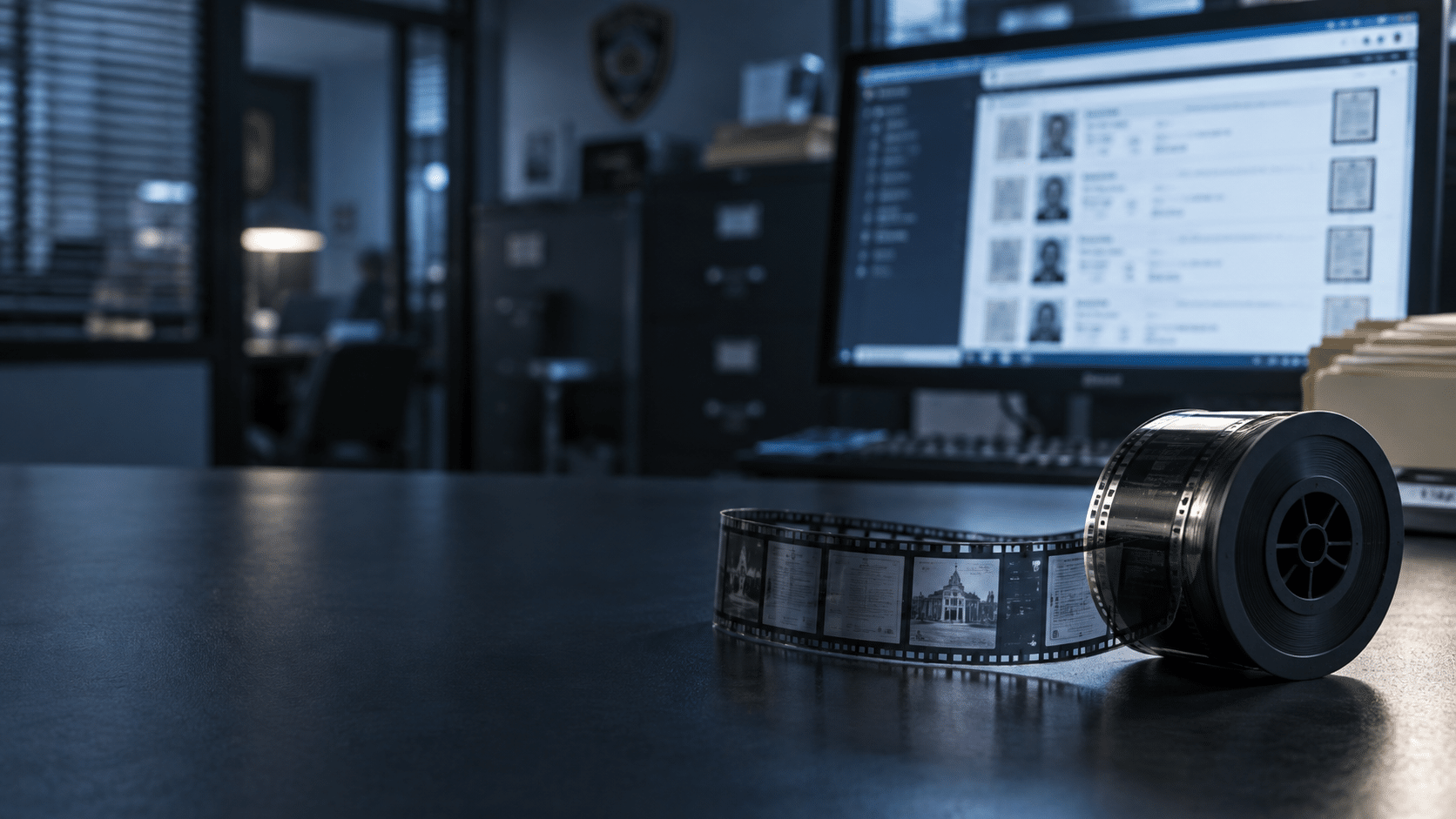
A cold case file doesn’t care that it’s spread across nine rolls of microfilm. Your detective does.
If you work at a police department, a sheriff’s office, or a court that still has case files on film, this is the short version of how to get those records digitized.
And more importantly, how to pick the partner who does it.
Two things decide whether this project goes well: security and real microfilm expertise. Everything else follows from those.
What Microfilm Is Really Costing Your Department
The film itself is cheap but the hours are not.
Right now somebody on your team needs a file, so they walk to the storage room, find the right cabinet, pull the cartridge, load the reader printer, scroll, squint, and print. Then they find out the case they’re researching runs across three more rolls. That’s a morning gone before any actual investigative work starts.
Multiply that by a department with a few hundred rolls in two different rooms, or a sheriff’s office with a few thousand. Add reader printers that need maintenance and staff who need to know how to run them. It’s the difference between looking a number up in the phone book and typing a name into your phone: it’s the same information, but a completely different amount of your life spent getting to it!
The goal isn’t “digital records” for its own sake. The goal is that when your boss says “pull everything we have on this,” you search, you find it, you see the related files sitting right next to it, and you get back to the work you were actually hired to do.
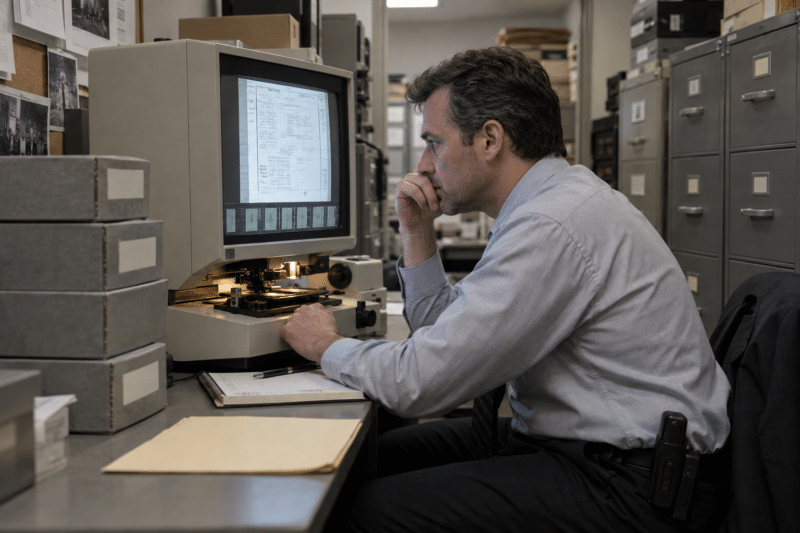
Security First: Ask This One Question Before Anything Else
Your microfilm holds criminal case files. Maybe cold cases, maybe court dockets, maybe employee and HR records mixed in. This isn’t a box of old invoices that you’re working with; it’s criminal justice information, and it’s going to leave your building.
So the first question for any vendor is simple: Are you a CJIS-listed vendor, and do you comply with the FBI’s CJIS Security Policy?
You already know CJIS. It’s the FBI division that governs criminal justice information, and the security policy is the same one that lets you touch the national databases. Your scanning partner needs to live under those same rules while your film is in their hands. BMI is a CJIS-listed vendor and complies with the CJIS Security Policy, which is why we lead with it instead of burying it on page four.
Here’s the useful shortcut: ask the question and listen to how fast the answer comes.
If a vendor has to look up what CJIS stands for, you’ve learned everything you need to know about whether your case files belong with them.

Experience and Expertise Are Not the Same Thing
Plenty of companies have been around microfilm for thirty years. That doesn’t mean they have thirty years of expertise. Some of them have one year of expertise they’ve repeated thirty times.
Microfilm is genuinely weird material, and the differences matter. You’ve got 16mm and 35mm. Simplex and duplex. Hundred-foot rolls and 215-foot rolls. There’s duo and serpentine film, where the images run down one side of the roll, hit the end, and loop back the other direction so the frame next to the one you’re looking at isn’t the next page at all.
Then there’s the rest of the microform family sitting in the same cabinets: microfiche and aperture cards.
On top of format, there’s condition. Film deteriorates. A real expert knows what deterioration looks like before it goes through a scanner, and knows what to do about it. Add calibration, density, and image quality on every roll, and you can see how “we’ve scanned some film before” is not the same as knowing this material cold.
You’re not expected to be the microfilm expert here, because your expertise is law enforcement. That’s the whole point of hiring someone. Just make sure the people you hire actually have the expertise you’re paying for.

Roll Level or Case Level? Decide Indexing Before Anything Ships
Indexing is how you find things later, and it’s where most of the real decisions live.
The simplest approach is roll-level indexing. If you have 2,000 rolls of case files, you index each roll the way it’s already labeled on the box or the cartridge — because that’s how your people find things today. It’s a building block. It’s fast, it’s affordable, and it gets you out of the reader-printer business immediately.
Case-file indexing goes a step further. Instead of finding the right roll and then hunting inside it, you go straight to the case. If your film has flash sheets or clean, obvious break pages, that can be straightforward. If it doesn’t, it gets complicated fast, and the cost and timeline move with it.
Think about moving day. Roll-level indexing is writing “KITCHEN” on the side of the box. File-level indexing is taping a list of everything inside to the lid. Both are useful. One takes a lot longer to do, and you should decide which one you actually need before the you pack everything up, not after.
This is also where a real partner earns their keep. Just because you want it done a certain way doesn’t mean that’s the best way to get you what you’re after, and someone who’s done this thousands of times should be telling you that during scoping, not after delivery.

The Proof of Concept: Why We Stop the Project on Purpose
Here’s the part most departments have never seen, and it’s the reason you only have to do this once.
It usually starts with a sample. We’d rather look at your actual film than guess about it, and a sample tells us what we’re dealing with, shows you what your results will look like, and gives us both something real to build the scope of work around. After the sample and contracting, the film comes in and we build your project: a unique process flow and a dedicated project manager, not a generic assembly line.
Then comes Milestone 1 Proof of Concept Process, or the “M1” as we call it.
Say you have 2,000 rolls of case files. We run four or five of them all the way through the process flow we built for you, and then we stop. Nothing else moves until you look at it.
We go through it together: image quality, how the indexing came out, whether it matches the scope we agreed to. Maybe you want a tweak. Maybe we found something on your film that nobody knew was there and it’s out of scope — better to have that conversation now than at delivery. Once you give the thumbs up, the rest of the project runs.
The alternative is the version everybody’s heard about: a department pays for a scanning project, gets the drive back months later, opens it up and says “this isn’t what I thought I was getting.” Now you’re paying twice.
The M1 exists so that conversation happens after five rolls instead of two thousand.

How the Files Come Back and What Happens to Your Film
Delivery should fit how your department actually works, not the other way around.
For a lot of agencies that’s an encrypted drive, hand-delivered or shipped. For others it’s a secure electronic transfer over SFTP straight into wherever the files need to land — a document management system, a records system, a network share. And if you’d rather not stand up anything new at all, the images can go into Digital ReeL, our hosted platform, which runs in a CJIS-compliant environment. Multiple options, same standard of care.
Then there’s the film itself. Some departments want it back: retention schedules, policy, or just plain comfort. Others are done with it: they’ve reviewed the images, they’re happy, and they want it destroyed. Either one is fine, and it’s a decision you make at the end when you’ve actually seen your files, not a box you check on page one.
That’s the whole arc. Security first, real microfilm expertise second, and a process built so you see the work before it’s too late to change it. Do it that way once and you don’t have to think about microfilm again.

Next Steps
Reach out to us today! Click the “Get Your Quote” button below, fill out the form, and we’ll quickly reply to you to discuss your project.
Further Reading
What Happens to Your Records During a Scanning Project?
Scanning rarely fails on hardware—it fails on planning. Here are four common mistakes and a simple, low-risk way to avoid them.
How to Scope a Digitization Project Accurately (and Avoid Change Orders)
Most surprise invoices on scanning projects trace back to scoping mistakes made before the first page was scanned. Here’s how to count, question, and structure pricing so change orders stay rare.
New Fiscal Year, New Scanning Budget: Scope Your Digitization Project Now, Not in February
You got the money in July, and the fiscal year still feels wide open in August. It isn’t — here’s the real timeline behind a digitization project, and why scoping it now beats scrambling in June.