


Microfilm has been around since before the Civil War, and it’s still sitting in basements, vaults, and filing cabinets all over the country.
Here are six facts about it that’ll help you understand what you have, how to take care of it, and what it takes to get it digitized.
Who Invented Microfilm?
Microfilm was invented in 1839 by a gentleman named John Benjamin Dancer.
That’s not going to change how you scan a single roll, but you probably won’t forget it either. A guy named Dancer created microfilm. Great name.
What’s actually worth remembering is the date. 1839 is a long time ago, and the format has been in steady use ever since. Those early versions looked nothing like the rolls you’d find in a county recorder’s office today, but the core idea hasn’t changed: shrink a document down onto film so you can store a lot of information in a very small space.
Think about how many technologies from your own lifetime are already gone. VHS tapes, floppy disks, that phone charger you swore you’d need someday. Microfilm has outlasted all of them and keeps showing up in records rooms nearly two centuries later. That kind of staying power tells you something about why organizations still trust it.

Can Microfilm Really Last 500 Years?
Properly stored microfilm should last around 500 years. That’s a big number, and there’s a big “if” attached to it. The lifespan depends almost entirely on how the film is stored, protected, and handled.
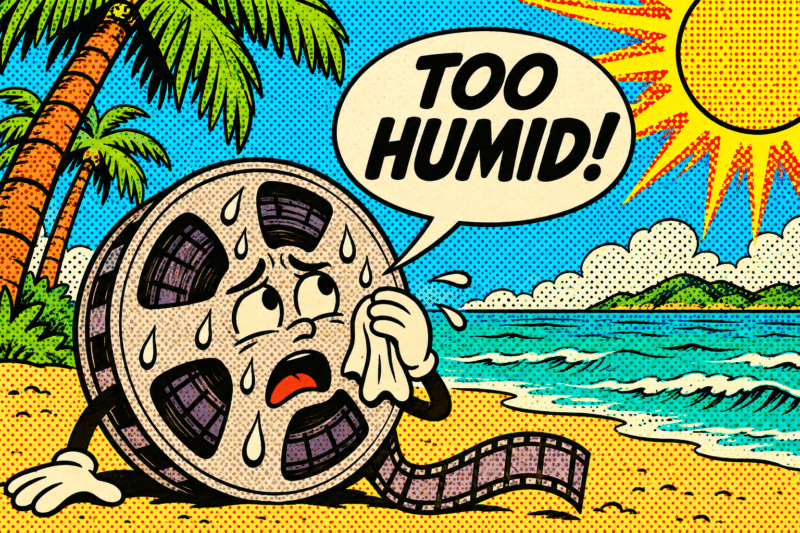
It’s a lot like a cast iron skillet. Take care of it and it’ll outlive you, your kids, and probably your grandkids. Leave it in a damp garage and you’ve got a rusty mess in a couple of years. Microfilm works the same way. If you live somewhere humid and toss a box of rolls in a hallway closet, don’t expect it to make it to its 500th birthday.
The factors that matter most are:
- Temperature – cool and stable beats warm and swinging
- Humidity – the enemy of film, especially in coastal and southern climates
- Light – keep it out of direct sunlight
- Handling – the more often people touch it and run it through readers, the more wear it takes
Here’s the honest part: since microfilm was invented in 1839, nobody’s actually watched a roll hit 500 years yet. The number comes from the science behind the film and how it ages under good conditions. It’s a solid estimate, not a guarantee, and storage is what turns it into reality.
Is Anyone Still Making Microfilm?
Yes, microfilm is still being created today, and BMI still makes it.
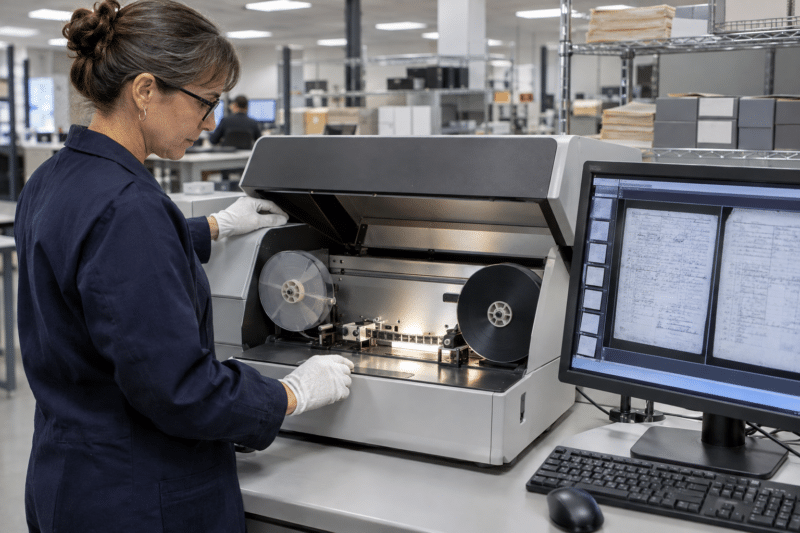
There are two main ways to do it. The first is the traditional route: you photograph the original documents directly onto film and then process it, with methods like deep tank processing.
The second is archive writer film, where you take digital images and run them through a machine called an archive writer that produces film from those files.
Back in the ’70s, ’80s, ’90s, and even the early 2000s, a lot more microfilm was being made both ways. The volume has dropped, but the demand hasn’t disappeared. Some organizations simply want a hard-copy backup they can read with their own eyes, a magnifying glass, and a light source if the digital files or the original papers are ever destroyed.
Others don’t have a choice. Some public agencies (i.e. city, county, and state offices) have statutes that require them to keep a copy of certain records on microfilm. It’s the insurance policy you hope you never cash in, and for some records, the law says you have to carry it.
What Does It Mean When Microfilm Smells Like Vinegar?
Microfilm can deteriorate and decay, and that’s where storage really catches up with you. There are three main problems to watch for:
The first is vinegar syndrome. If you open a box of microfilm or microfiche and get hit with a sour, vinegary smell, that’s not good. The film is breaking down, and it can spread to the rolls around it, so you’ll want to separate the affected film from the rest.
The second is redox, which shows up as little orange or yellowish spots on the images. Those spots eat into the information on the film, and if it gets bad enough, the data is lost.
The third is embrittlement, where the film gets so brittle that it cracks or crumbles when you try to unroll it, put it on a reader, or scan it.
If you notice any of these, reach out to a scanning company quickly. Depending on how far along it is, they may be able to slow the damage, or at least get the film scanned or duplicated before it gets worse. Mild vinegar syndrome usually scans without any issue. But we’ve seen film so far gone it was practically melting. We had to clean our scanners after every roll, and the film was destroyed as it went through.
We always talk through that risk with clients and get confirmation before we try, but by that point the data’s often already gone. It’s like a leaky roof: the cheapest day to fix it was the first day you saw the water stain.

16mm, 35mm, Thick, Thin: Why Your Film Type Matters
Not all microfilm is the same. The two main widths are 16mm and 35mm. 16mm is typically used for standard office-size documents. 35mm handles bigger material: oversized books, engineering drawings, newspapers, and so on.
Length matters too. You’ll usually see 100-foot and 215-foot rolls. 35mm film is always on 100-foot rolls, and it’s called thick film because it physically is thicker. 16mm can come as 100-foot thick film or 215-foot thin film. If you squeeze the two in your hand, you can feel the difference right away. Thin film is a lot more flexible and easy to scrunch. Longer rolls also mean more images, which means more scanning time.
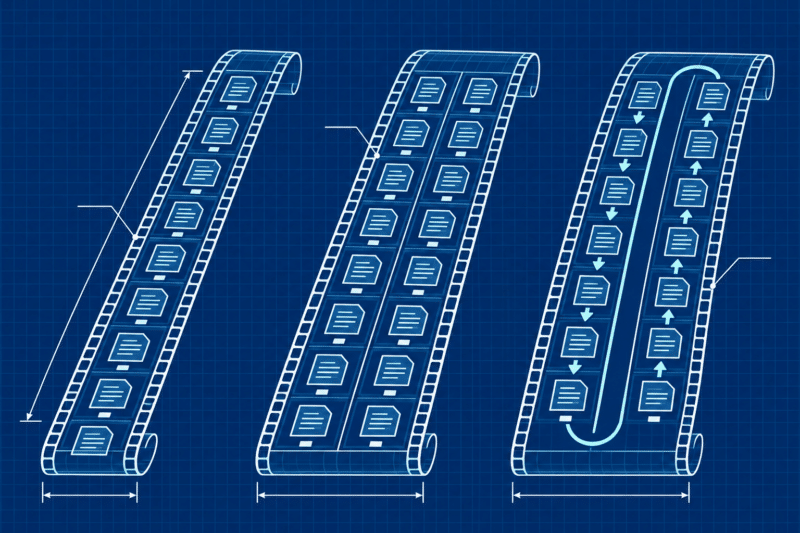
Then there’s how the images sit on the film. Simplex film has one row of images running down the roll. Duplex has two rows side by side. Duo, or serpentine, film is a duplex variation where the images run down one side and then wrap back up the other, kind of like reading a lawnmower pattern on a lawn.
Some film also has blips, small physical marks under each image that help identify where documents start and stop. All of this affects how your film gets scanned, what it costs, and how your scanning partner can help with indexing so you can actually find documents afterward.
What Your Microfilm Looks Like After It’s Digitized
Once you decide to digitize, there are a couple of ways to get your images back. The traditional route is standard image files like PDFs, TIFFs, and JPEGs. That’s what most people picture, and it’s straightforward.
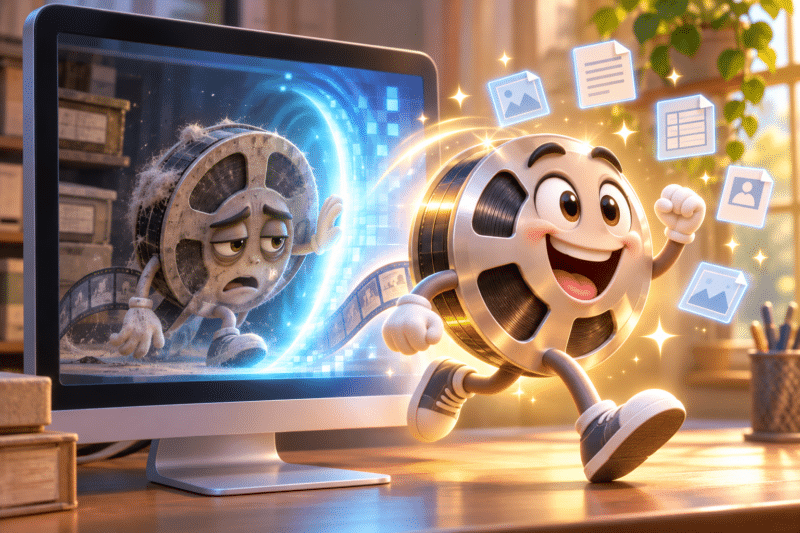
The other option is Digital ReeL, BMI’s secure hosted system. It replicates your film in a digital format, so you still see the historical context of what it looked like as microfilm, but you get all the benefits of a digital file. You can export images, run a global text search, and enhance images that don’t look great. A faded black-and-white image can be switched to grayscale with one click, and then you can adjust the contrast and brightness until it looks right to you.
As for cost, very ballpark, you’re looking at around $20 a roll. It’s a good place to start, but all the factors above play into the final number: film type, length, condition, layout, indexing needs, and how you want the output delivered. Think of it like buying a car. The sticker price gets you in the door, but the options you pick decide what you actually pay. The best way to get a real number is to walk through what you have and what you want to do with it.
Next Steps
Reach out to us today! Click the “Get Your Quote” button below, fill out the form, and we’ll quickly reply to you to discuss your project.
Further Reading
How to Prepare Microfilm for Digitization (Without Damaging It)
The riskiest trip your microfilm will ever take is the short one to the scanning vendor. Here’s how to handle, pack, label, and ship your reels so they arrive ready to scan — not crushed, scratched, or scrambled.
Ditch the Microfiche Reader: A Faster Way to Find Your Records
Pulling one record off microfiche can eat 20 to 30 minutes and a walk to the cabinet. Here’s why digitizing your fiche beats buying another reader-printer — and what it actually costs to make the switch.
You Only Get One Shot: Choosing a Microfilm Scanning Vendor for Law Enforcement Records
Police and sheriff departments only get one shot at digitizing case files on microfilm. Here’s how to pick a vendor — starting with CJIS compliance and real microfilm expertise.